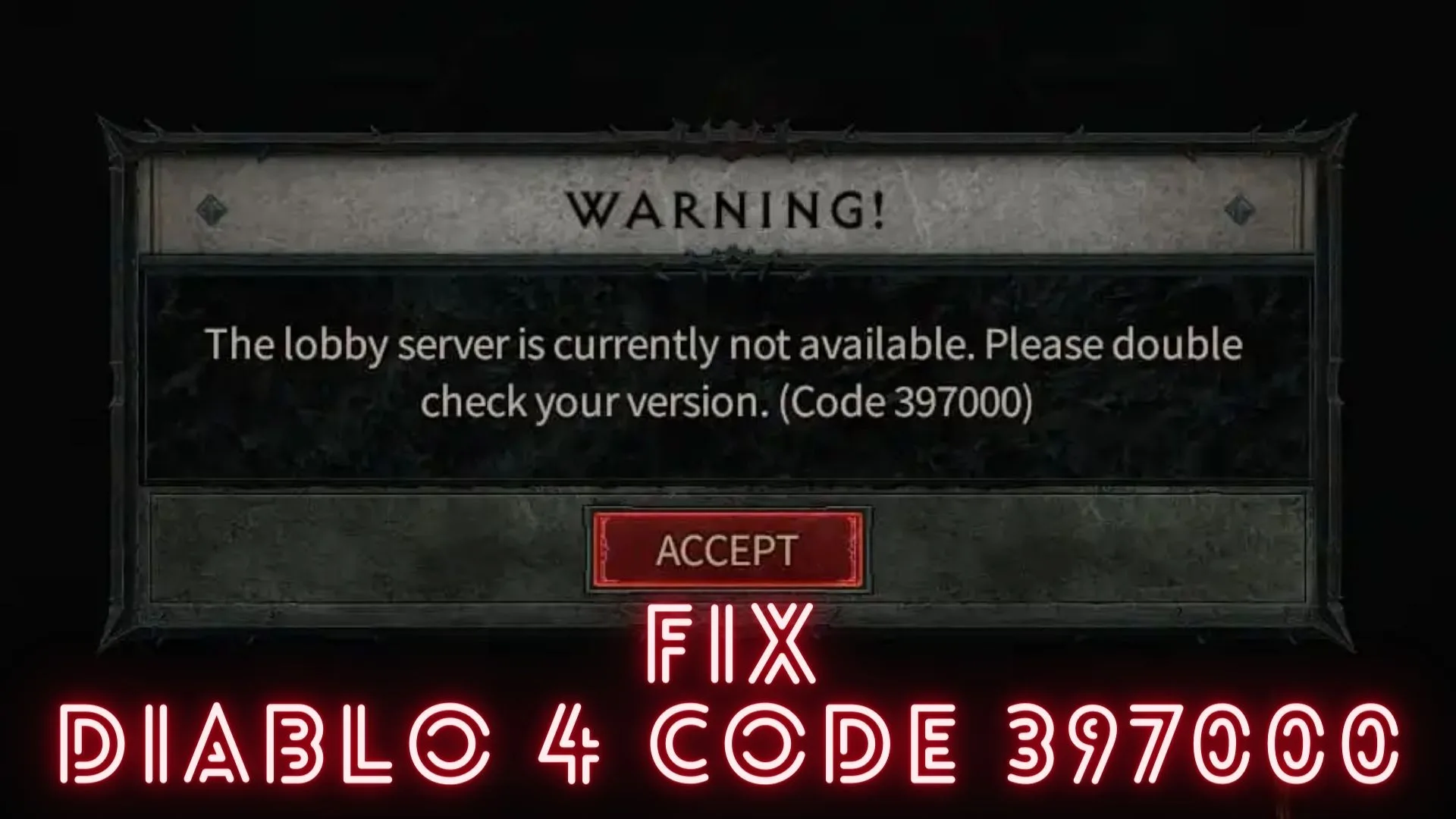
The error code 397000 in Diablo 4 occurs when the game gets a new update that’s incompatible with your Diablo 4 version. Since the game automatically updates to a more recent version to help fix bugs and glitches, you’ll likely encounter this error occasionally. Other possible causes of this error include:
- Outdated graphics drivers
- Corrupted files
- Antivirus software
- Internet issues
How to fix Diablo 4 error code 397000?
Before doing anything, as a precheck, check to see whether your PC meets the system requirements for playing Diablo 4. If it doesn’t meet the minimum and recommended specs, you may run into some problems that cause errors.You should also check the Diablo 4 server status to ensure there are no scheduled maintenance, downtime, or outages.
If you still get the error code 397000, try these fixes:
- Restart the game
The easiest way to fix the error code 397000 in Diablo 4 is to restart the game. This helps eliminate any temporary bugs causing errors that interfere with gameplay. Press Alt + F4 on your keyboard to close the program or use Task Manager to end the current task if it is unresponsive.
- Run Diablo 4 as an administrator
Running Diablo 4 as an administrator will allow your system to run the program files smoothly. This will eliminate compatibility issues, which may trigger errors.
- Update graphics drivers
Outdated or missing graphic card drivers may trigger errors, including the error code 397000. Updating these drivers to the latest version ensures your graphics drivers function correctly, preventing errors.
- Delete Battle.net data cache
If your Battle.net launcher is faulty, it may cause incompatibility issues that trigger errors. Deleting its game cache can help resolve this.
- Verify and repair Diablo 4 game files
If your Diablo IV game files are missing or corrupted, it may trigger errors such as 397000. Scanning and repairing these game files can help solve the issue.
Other fixes
Other fixes that may help solve the error code 397000 include the following:
- Update Diablo 4
- Close unnecessary background apps
- Disable antivirus
- Check your internet connection
Conclusion
There you go – five foolproof solutions to help fix the error code 397000 in Diablo 4. Work your way down the list to find a fix that works for you. Feel free to leave any additional comments, questions, or solutions below.
If you encounter any issues or errors while playing your favorite games and require support, feel free to contact us here. Our team is always ready to assist you and ensure your gaming experience is seamless and enjoyable.