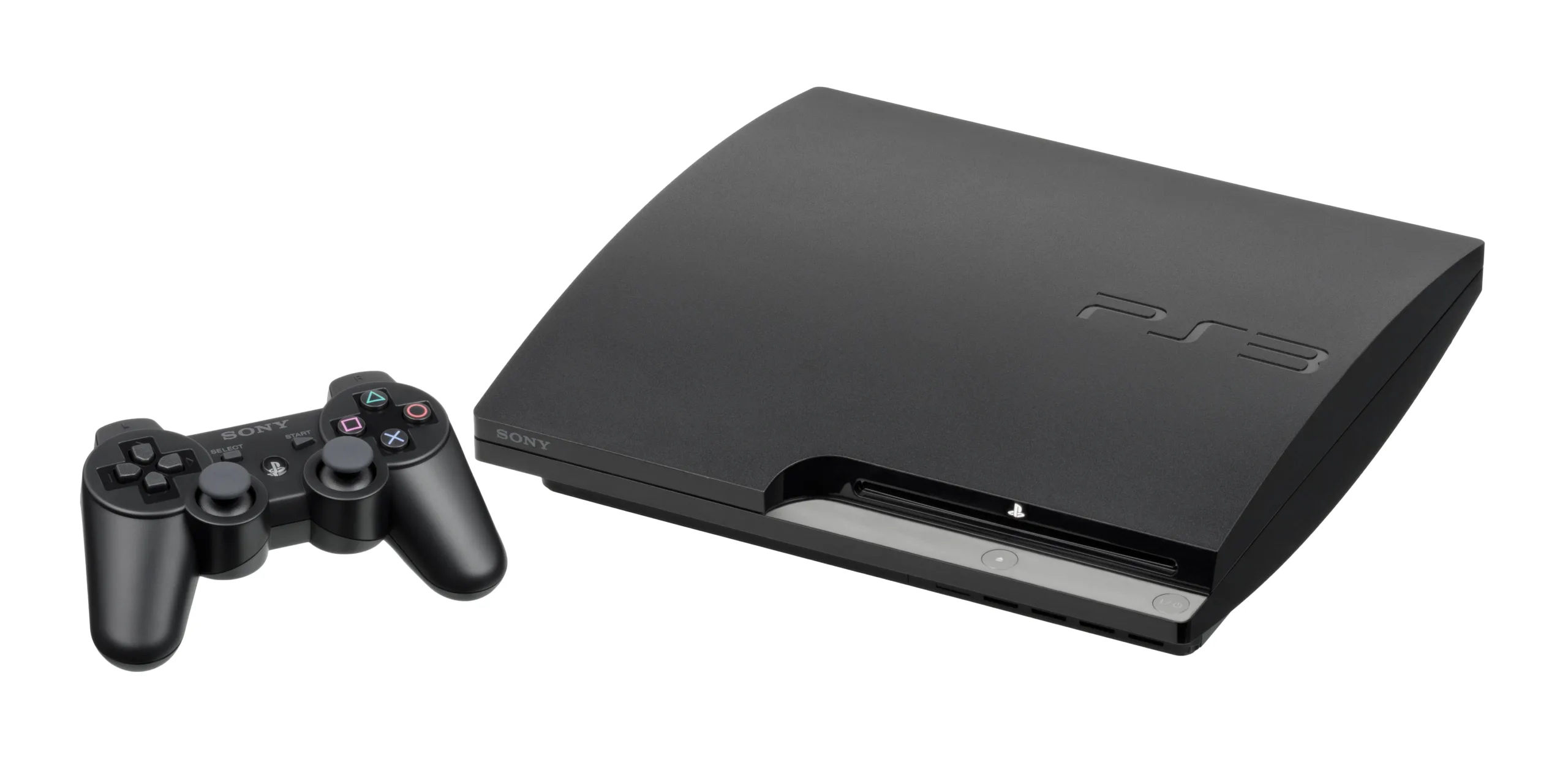
If you encounter Playstation 3 Error Code 80029564 while trying to download a game on your Playstation 3 console, it is likely due to a corrupted game file or a corrupted memory caused by an unstable internet connection or a faulty download. In this article, I will present my findings and opinions gathered from various forums and discussion threads to provide you with solutions from people who have experienced the same error.
Try these fixes to resolve the issue on your system:
Delete and Re-Download Game Files
- Corrupted game files are a common cause of this error.
- Delete the already downloaded game files and redownload them fresh to start troubleshooting the issue.
- Some users have reported success with this solution, while others have found it ineffective.
Check Your Network Device Compatibility
- Your router device may not be compatible with your console when downloading games from the PSN store.
- Switch to a compatible router device and attempt to download the game again.
Avoid Running Background Downloads
- Running a download in the background could contribute to the occurrence of this error.
- Download the game directly without running any other programs simultaneously to prevent conflicts.
Disable Media Center
- Disable the media server connection option on your PS3 console to resolve the error.
- Refer to a guide on disabling Media Server Connection and try disabling/enabling other media options as well.
Try Restoring to Default Settings
- If you encounter the error when transferring the game file from another device to your PS3 console, restore the PS3 settings to default.
- Look up the steps to restore the settings and follow them accordingly.
Restrict Data Transfer Limits
- Limit the transmit and receive data count from your router to see if it helps resolve the error.
- This solution’s effectiveness is uncertain.
Contact Support
- If none of the above solutions work and you cannot find help through online troubleshooting guides, consider contacting PS Customer Support for assistance.