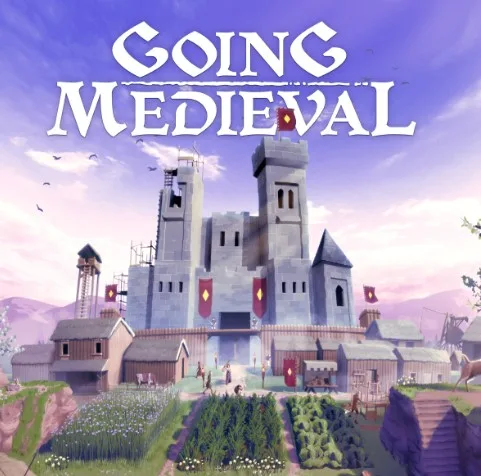
A new Going Medieval update 0.28.19 released on PC. According to the official Going Medieval patch notes, the latest update 0.28.19 addresses some bugs and crashes.
Since the last patch, players are experiencing problems with the game. Today’s Going Medieval patch 0.28.19 will fix a few of these issues.
Check out more details below.
Going Medieval Patch 0.28.19 Notes – Jan. 30, 2026
Quality of life improvements
- “Are you sure?” A window will appear now if you try to start the tutorial after you’ve finished it the first time. Gotta be sure.
Bugs and fixes
- Fixed several crash occurrences.
- Fixed the issue that sometimes prevented door placement automatic rotation to work as intended.
- Fixed the issue that broke combat animations on ladders.
- Fixed the issue where animals would get stuck on ladders.
- Fixed parts of the issue where certain game’s visuals would not be properly displayed during camera rotation and layer changing. It is still happening, but it shouldn’t be as frequent.
- Fixed the issue where fire-based objects would start burning without resources available after they’ve been built off-screen.
- Fixed the issue where the graphics would not be properly shown if you build one ladder on top of the other.
- Fixed minor text issues.
Known issues:
- Some event portrait images will be the sad cat graphics as they are placeholder and will be replaced.
- If your settlers are experiencing weird animations with some actions, be sure to turn off V-sync and cap the game’s FPS in the game’s options. Cap it to 60fps. If the issue persists, cap it at 30.
- Assigned Pets don’t sleep with owners.
- Some text keys are still not translated.
- Player-triggered events don’t have sound effects
- Settlers will not refuel torches if there is no floor/ground beneath them.
- Settlers will not choose the closest production building (if there are more of the same type), but the one that has a production set first in the global list of productions.
Download Going Medieval update 0.28.19 on PC.