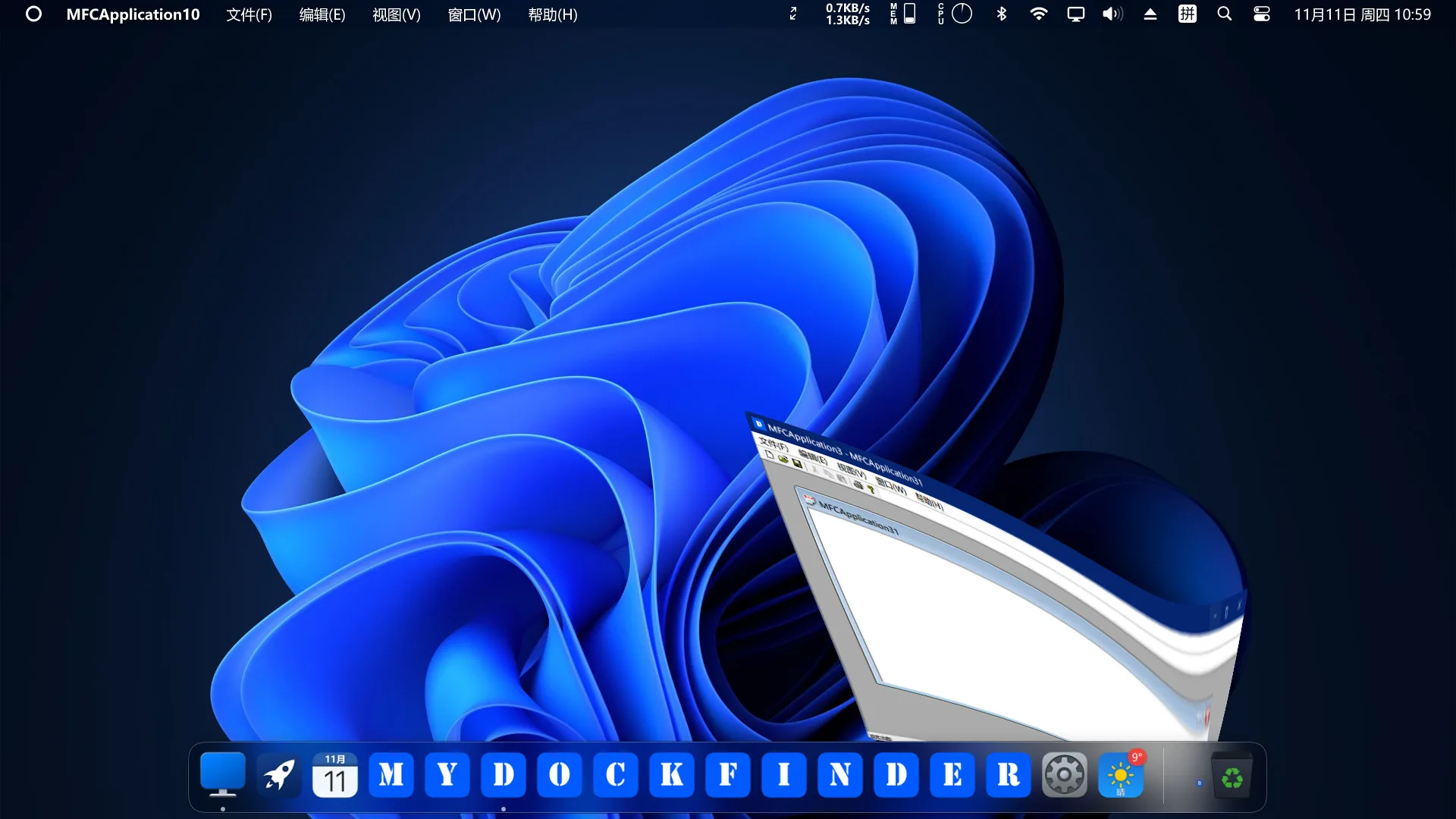
MyDockFinder update 1.10.9.9 is now rolling out on PC (Steam). According to the official MyDockFinder patch notes, the latest update 1.10.9.9 added quality of life improvements and gameplay optimizations.
Since the last patch, players are facing a number of problems with the game. Today’s MyDockFinder patch 1.10.9.9 will fix a few of these issues.
Check out more details below.
MyDockFinder Patch 1.10.9.9 Notes – January 11, 2026
- Added a debug mode toggle, which can be enabled in Preferences – Global Settings.
- Fixed a freeze crash caused by using the UWP message loop in the previous version.
- Fixed a freezing issue in all previous versions when a large number of windows were generated in the background by certain programs (e.g., IDM batch background downloads).
- Fixed overexposure of the launcher background after enabling HDR in all previous versions.
- Fixed too dark color rendering in gradient blur effects after enabling HDR.
- Fixed crashes in all previous versions caused by multithreaded modifications of dock icon data.
- Fixed crashes caused by gradient blur effects in window previews.
- Fixed misaligned window-switching animations when too many windows are listed in the front dispatch window list.
- Fixed misalignment of launcher icons in portrait mode.
- Added the ability to add non-fullscreen applications. After adding a non-fullscreen application, the dock and Finder can be activated when this program window is in fullscreen, in Preferences – Window Management.
- Added the ability to add game applications. After adding a game application, DLL injection will not be used to intercept minimize window animations and show/hide window animations, ensuring smooth gameplay. It also allows the dock and Finder to automatically restart when a fullscreen game is running in windowed fullscreen mode, in Preferences – Window Management.
Download MyDockFinder update 1.10.9.9 on PC.